Launch template
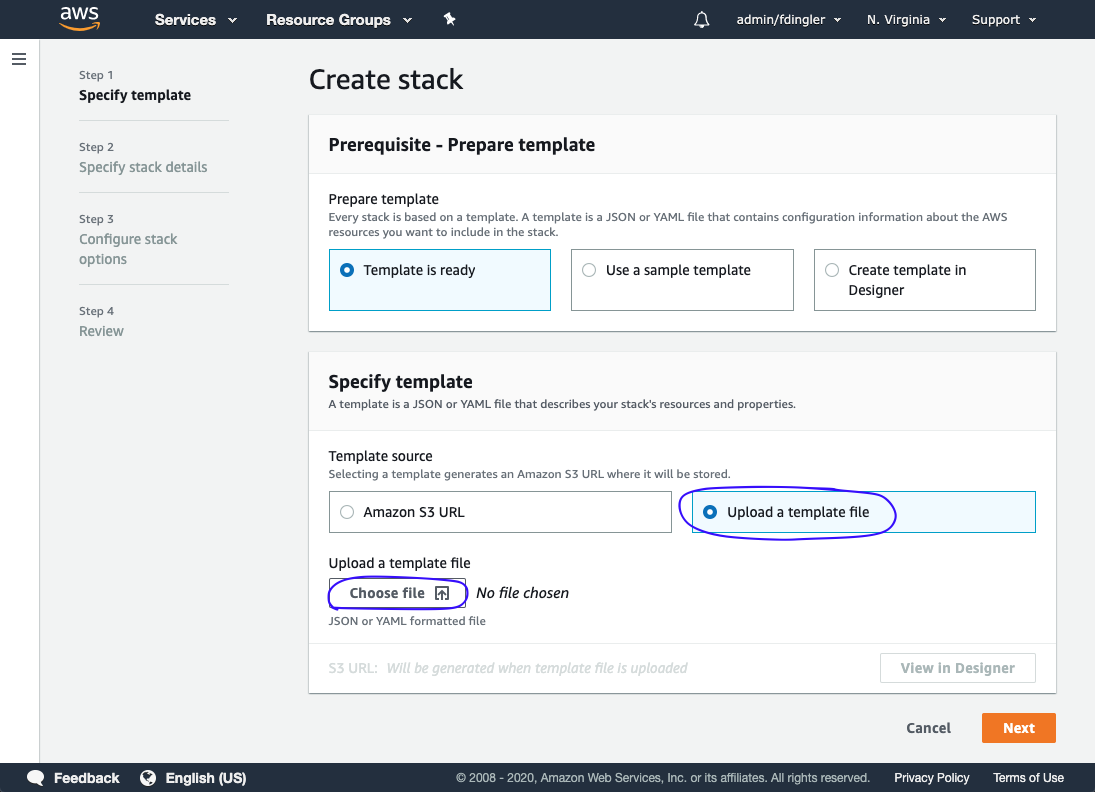
Open the AWS CloudFormation console to launch a new stack and upload the downloaded template by choosing the Upload a template file option.
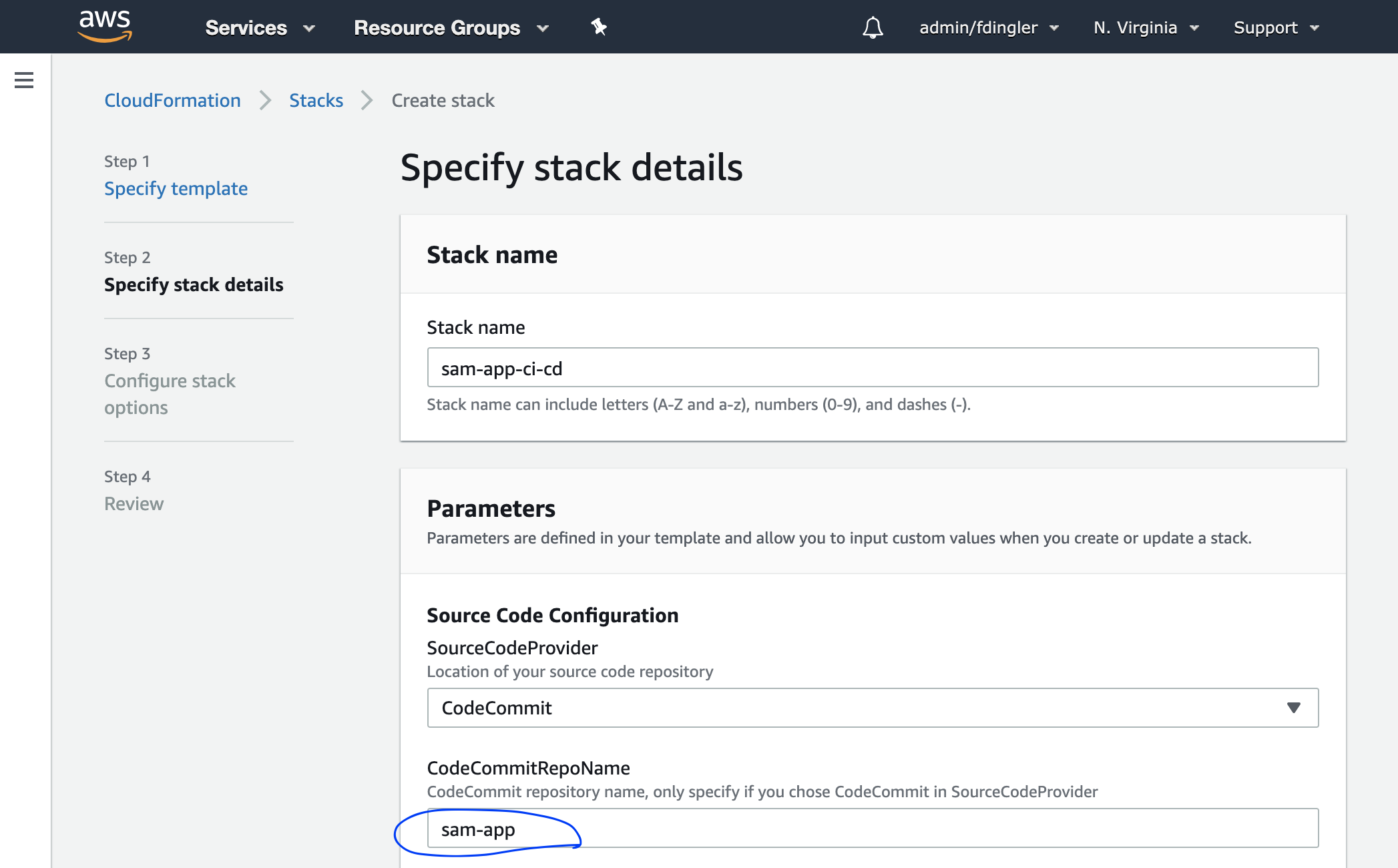
The CodeCommitRepoName parameter is pre-populated with sam-app. If you named your CodeCommit repository differently, then update this parameter accordingly.
The DeployStackName is pre-populated with sam-app as well. This value refers to the name of the CloudFormation stack for the SAM app that your pipeline will be deploying. You did this on Chapter 3. Click Next.
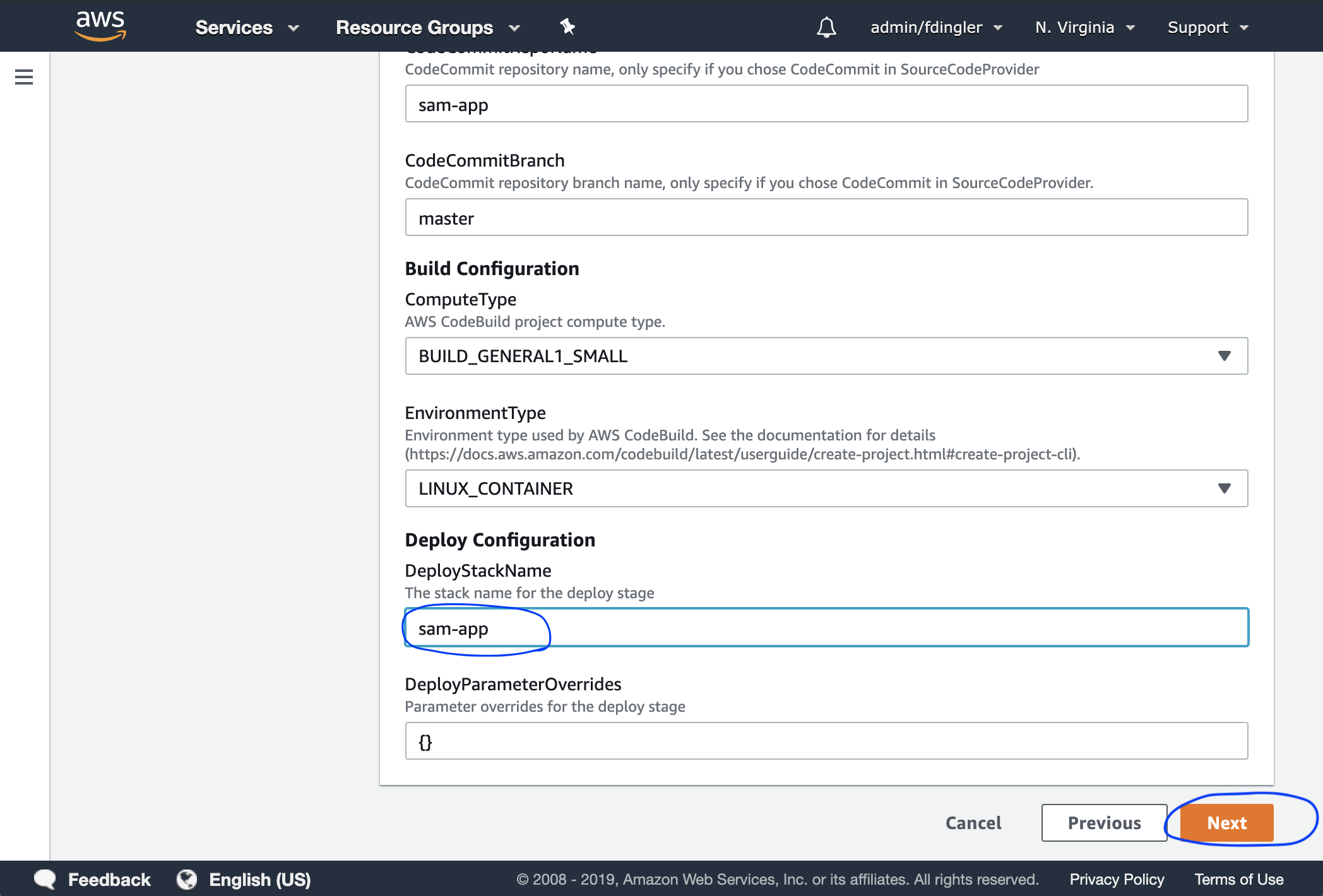
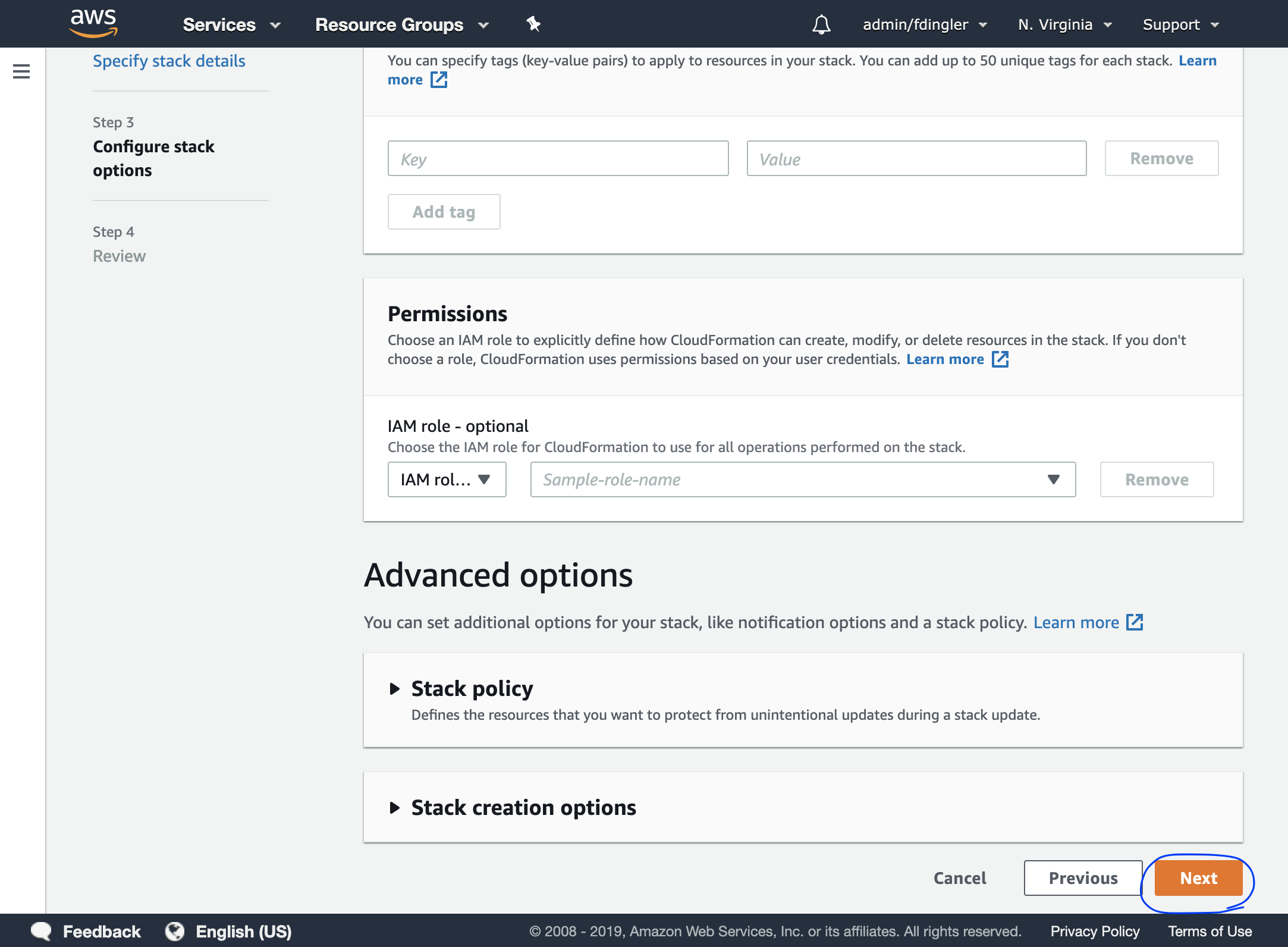
On the next screen, leave everything as is and just click Next.
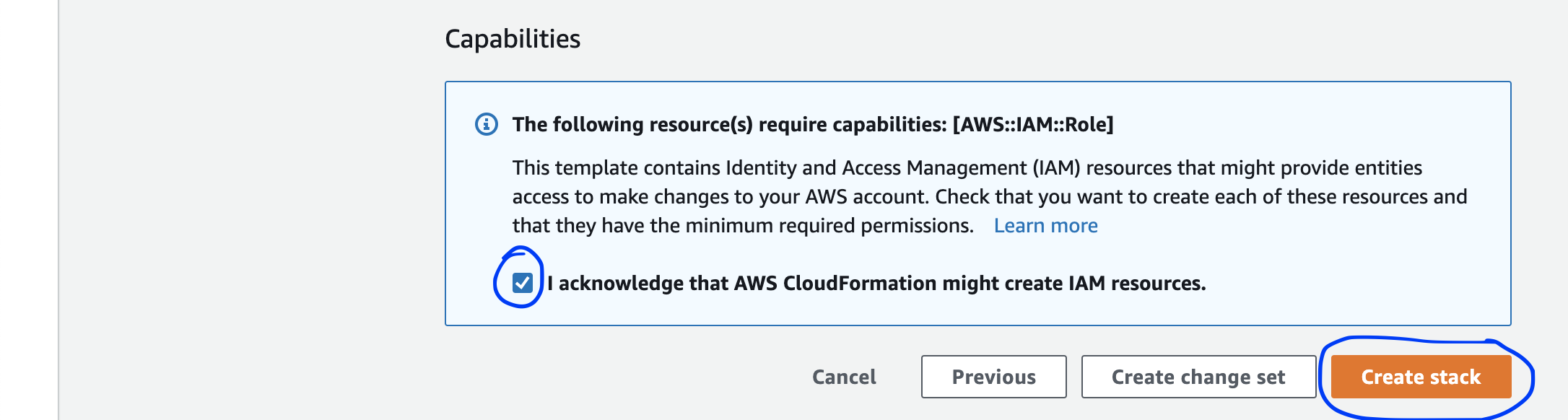
Finally, scroll down, tick the checkbok and click Next.
Wait for creation
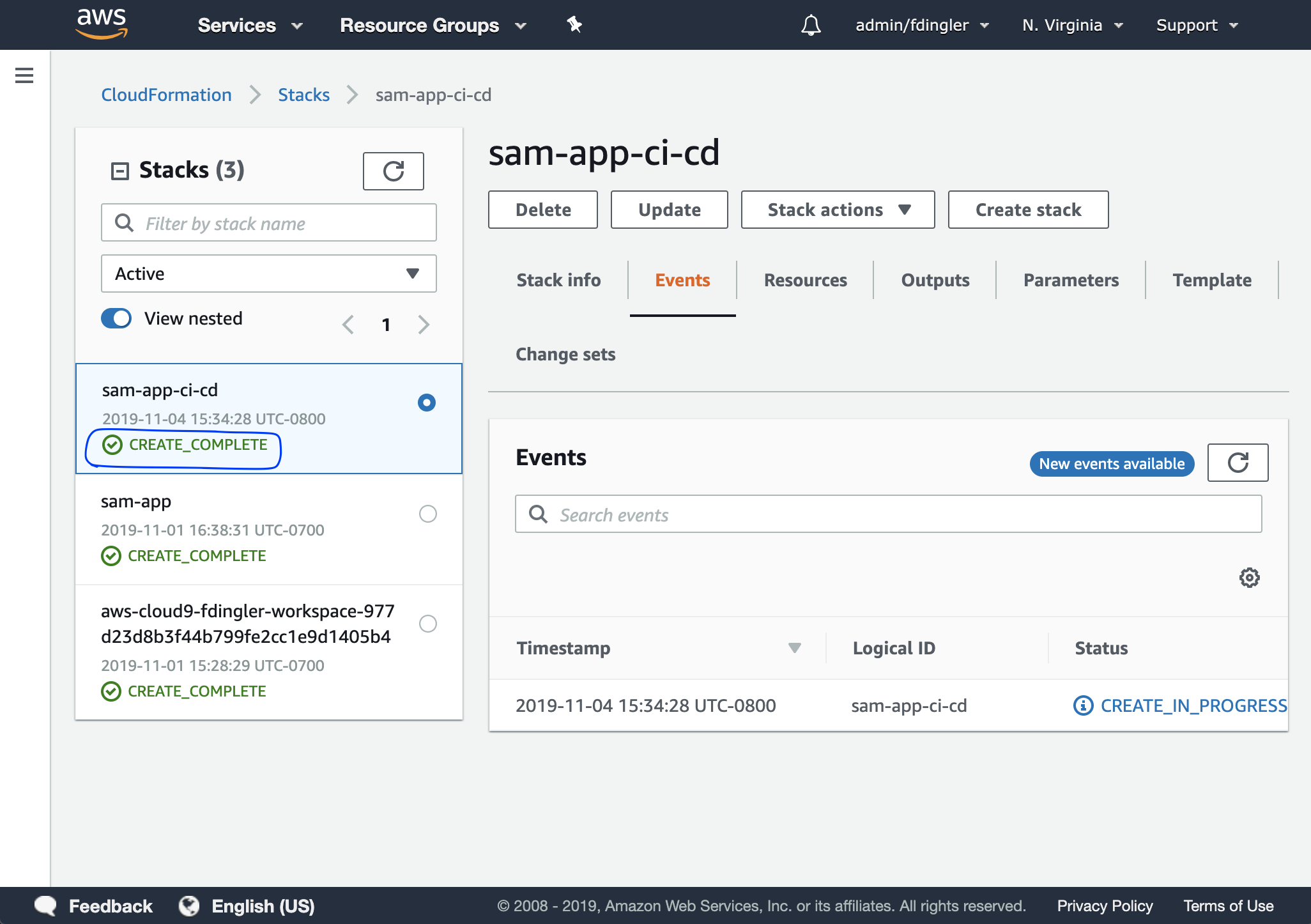
After a couple of minutes, your pipeline should be provisioned.